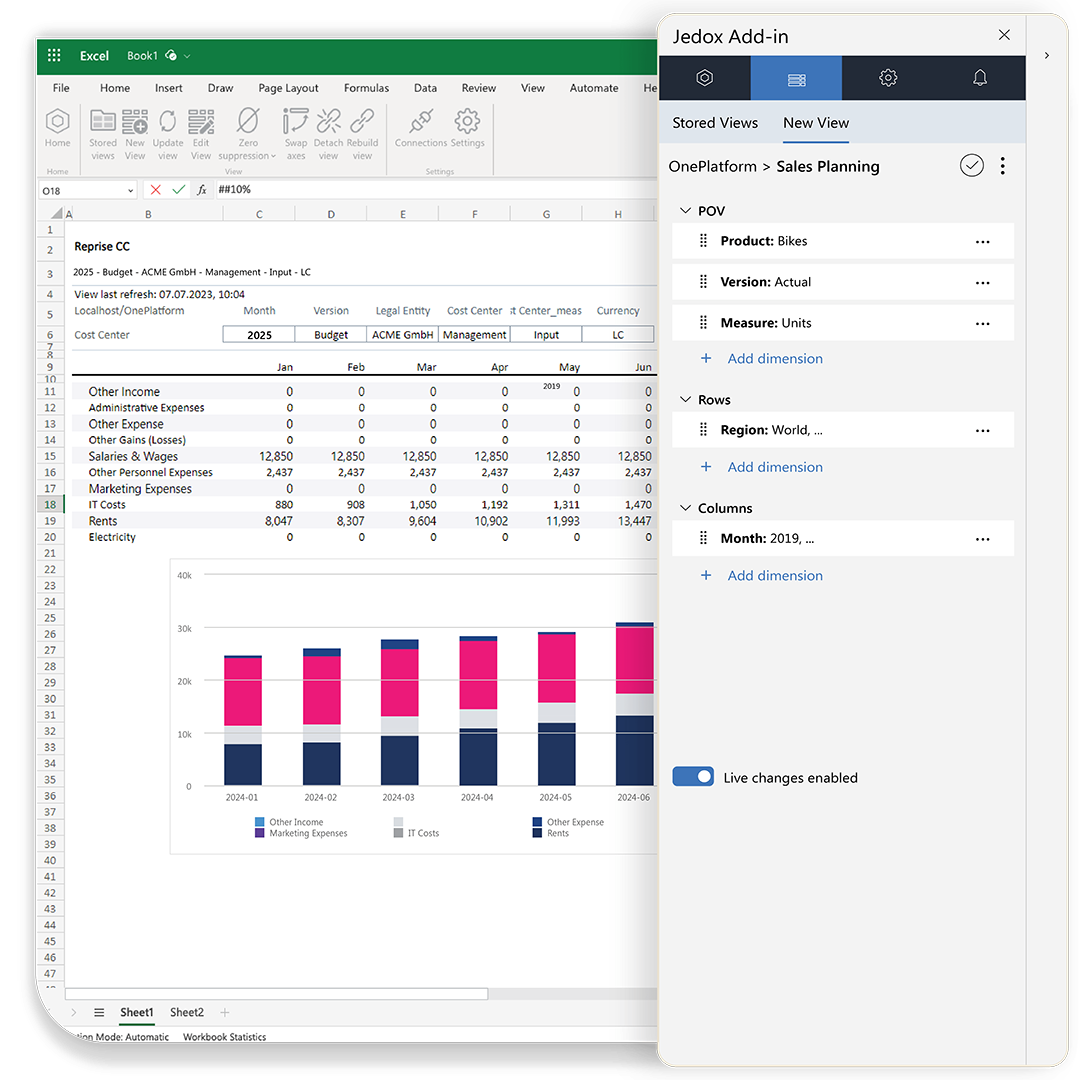
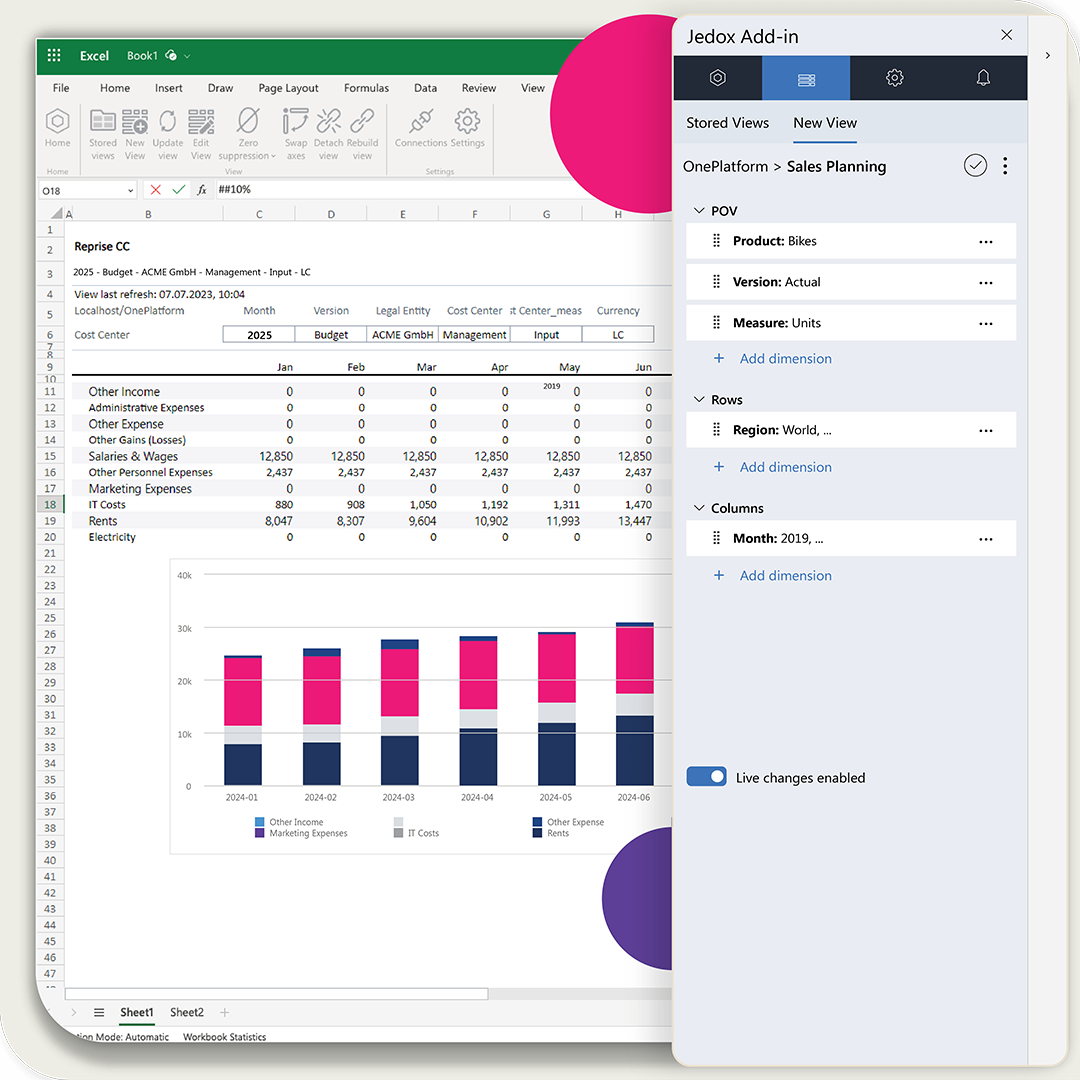
Excel Experience

Excel without limitations. Planning without compromise.

  • Familiar, Excel-like experience—right in your browser
  • Full keyboard shortcuts, cell-based formulas, and drag-and-drop
  • Plan and forecast in Excel with the Jedox Add-in, connected to live data
  • Real-time connectivity to Jedox OLAP cubes (with full governance and workflow control)
jedox platform excel hero

Take your Excel expertise further

Excel remains the foundation of Finance work. It’s fast, flexible, and deeply embedded in how professionals think, calculate, and model. But traditional spreadsheets were never designed for enterprise-wide planning. Offline files create version chaos. Manual aggregation slows teams down. And collaboration across departments breaks quickly when every spreadsheet lives on its own. Jedox solves this gap. The platform lets Finance keep the Excel strengths they rely on—while eliminating the risks, silos, and limitations. Your existing expertise becomes the accelerator for modern, governed, connected planning. Excel where it makes sense, simple web interfaces where the wider organization needs clarity — all unified on one platform.

jedox platform

Excel‑like web experience – build faster with the skills you already have

Finance teams have long relied on Excel, and that expertise should continue to add value as planning evolves. Jedox brings spreadsheet power into the browser with an interface that looks, feels, and behaves like Excel, but runs on a centralized, governed planning platform. Build structured planning screens, convert existing spreadsheet logic into secure web applications, and give every contributor a simple, guided interface that fits their role. Finance relies on Excel — and the rest of the organization needs a simple, guided web interface. Jedox delivers both naturally, giving every role exactly what they need.

  • Excel‑like web spreadsheets with formulas, formatting, shortcuts, and drag‑and‑drop
  • Build planning screens and models using the Excel skills your team already has
  • Convert existing XLS workbooks into secure, centralized web applications
  • 100% browser-based — no installations, patches, or desktop maintenance
  • Role-based access, validations, and workflow guidance for trusted collaboration

Excel Add‑in – enterprise planning inside Microsoft Excel

For planners who prefer to work directly in Microsoft Excel, the Jedox Excel Add‑in provides governed, real‑time access to centralized planning data. Combine the full power of Excel—formulas, charts, pivots, formatting—with enterprise‑grade structure, consistency, and write‑back control. Plan, analyze, and forecast securely inside the tool Finance knows best, without IT support or manual spreadsheet maintenance.
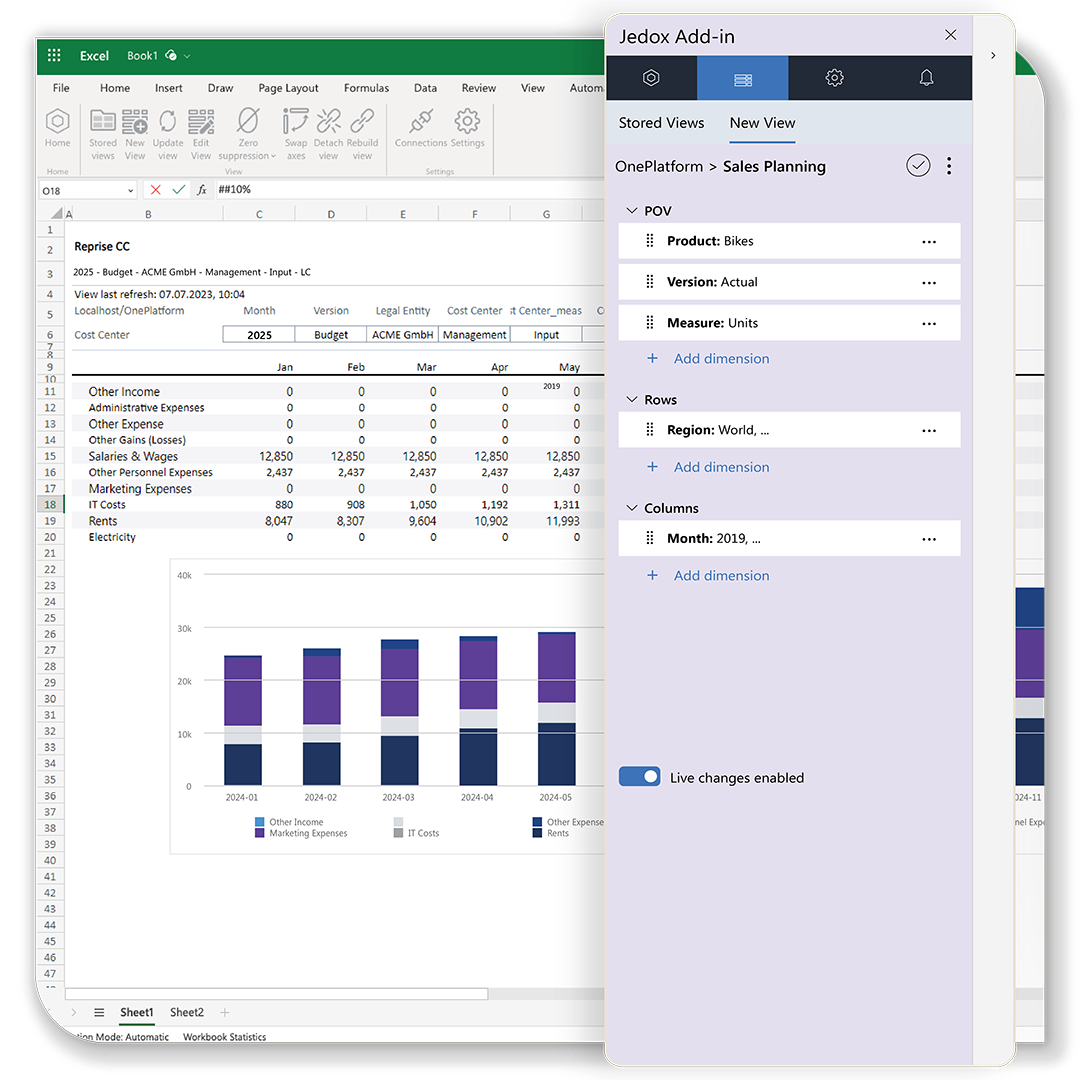

  • Real-time, secure access to centralized planning data
  • Use Excel’s full power: formulas, charts, pivots, forms, and formatting
  • Instant write‑back with full audit trail and approval workflows
  • Slice and filter by business unit, region, scenario, or version
  • Build structured, enterprise‑grade planning interfaces using Excel
  • Greater accuracy with no copy‑paste, no file chaos, and no version drift
jedox platform modeling excel add in

What it’s like to work with Jedox

Within a three-month time period, from signature to go-live, we transformed the way the financials for the company are structured and presented.

Charlie Gaddis
Chief Financial Officer
Libra Industries

customer zimmer logo 1
One unified sales platform delivers insight to 2,500 users
logo smart
smart Europe uses Jedox for flexible corporate management
customer ifco logo
From 1,000+ Excel sheets to automated efforts
FAQ

Frequently asked questions

Analysts use the Excel-like web experience to design input sheets, create formulas, and structure planning logic using familiar spreadsheet patterns. They can convert existing Excel workbooks into governed web applications, keeping their spreadsheet knowledge while gaining centralized logic, validation rules, and secure collaboration.
Planners work directly in Microsoft Excel using the Jedox Excel Add-in. They connect to centralized planning data, submit forecasts, analyze variances, and write back instantly using native Excel formulas, pivots, and charts—without copying files or relying on IT.
Jedox replaces offline spreadsheets with a governed planning environment. All inputs, adjustments, and scenarios are written back to centralized models with audit trails and controlled versioning. This eliminates email files, manual consolidation, and multiple conflicting versions of the truth.
Teams build calculations in either the Excel Add-in or the Excel-like web interface, both of which apply centralized business logic rather than local spreadsheet logic. This ensures formulas remain consistent, inputs are validated, and no user can accidentally break structures or overwrite logic.
Analysts adjust drivers, switch versions, or create new scenarios directly inside Excel using the Add-in. Each change writes back to the unified planning model, allowing immediate comparison of assumptions, versions, or organizational slices—without creating separate spreadsheets.
Business users interact through simple, guided web forms that mirror the structure of Excel without exposing formulas or complexity. They enter numbers, approve tasks, or review results using a clean interface designed specifically for their role and process.
Jedox enforces role-based access, cell-level validations, workflow guidance, and full audit trails across both Excel and the web. Whether users plan in the browser or in Excel, data entry is controlled, consistent, and aligned with the central planning logic.
Request your live demo with a Jedox expert today